
A privacy architecture for a private office is nothing more than a clear answer to four questions: what data matters, who can see it, how long it should sit around, and whether the people you’ve handed it to can be trusted with it.
Most single and small multi-family offices never write those answers down. They run investment reporting, school fee payments, travel bookings and the family WhatsApp group through the same laptop, the same inbox, and the same small overworked team, and nobody has stopped to ask which of those four things is actually dangerous if it leaks.
I’ve spent 25 years building IT systems for organisations that think they’re too small to be a target. Private offices are the worst offenders. You’re managing information that a corporate would spend millions protecting, health records, school addresses, property holdings, philanthropic giving patterns, with a team of two or three people who were hired for their judgement, not their data governance skills. That gap is the whole problem.
Where family data actually sits today
Ask a principal where their sensitive information lives and you’ll get a shrug. Ask their office manager and you’ll get a much longer, much more worrying list.
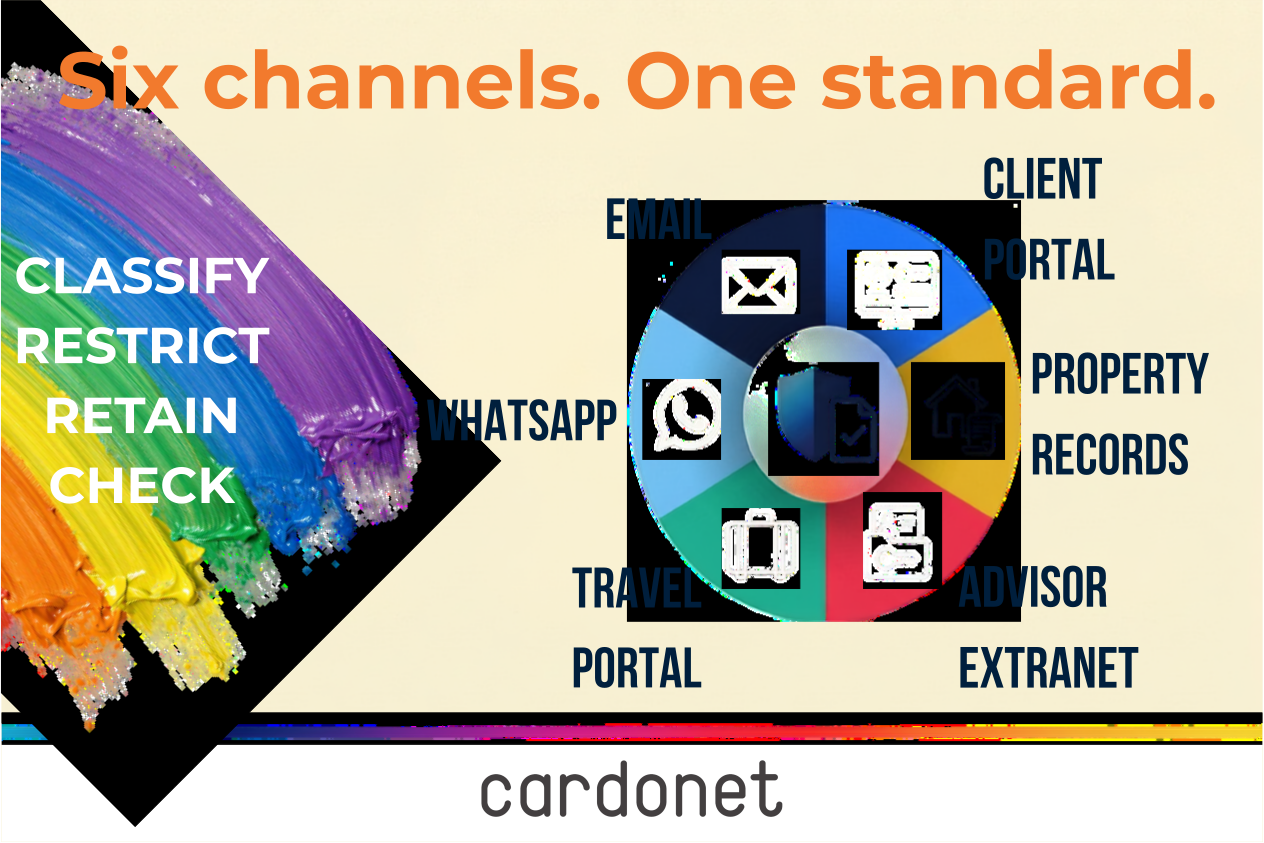
Family data is scattered across personal and business email accounts, WhatsApp groups that mix property viewings with medical appointments, travel booking portals that retain passport scans and itineraries indefinitely, advisor extranets that were set up years ago and never reviewed, and smart home systems that log who enters which room and when. None of this was designed as a single system. It accumulated, tool by tool, over years of convenience decisions nobody thought were decisions.
This matters because family offices are now a recognised target category, not an afterthought. A 2026 global survey of family office staff and family members by Ocorian found that 43 per cent of family offices had suffered a cyberattack in the past two years, yet 22 per cent had no incident response plan in place should another attack occur. Nearly one in five family offices surveyed had no cyber defences of any kind. That gap means exposure and preparation, and not sophisticated attackers, is where a private office’s day-to-day data habits do the damage.
Two failures that never make the news
Nobody writes headlines about a badly configured shared drive. That’s why it happens so often.
- Failure 1: The oversharing advisor. A family office sends a wealth planning summary to three advisors ahead of a quarterly review — tax, legal, investment. The document sits in a shared folder link that was set to “anyone with the link can view” months earlier, for a completely different purpose. Nobody revokes it and six months later an associate at one of those firms who has since left forwards the link internally to check a figure. The document, which contains full net worth breakdown, property list, and family members’ details is now sitting in an inbox nobody in the family has ever heard of, not because of a hack but because a permission setting simply outlived its purpose.
- Failure 2: The travel data trail. A principal’s assistant books a family holiday through a concierge travel portal, entering passport numbers, home address, and children’s school details as part of the standard booking flow. The portal is a small regional operator with none of the security architecture of a major travel brand. It gets breached eighteen months later in an incident that doesn’t make the news and nobody in the family sees. The data, including passport numbers, addresses, a full family travel pattern is now for sale. The family never knew the portal held that much, because nobody in the office ever asked what data these tools actually retain and how long they kept it for.
Neither of these needed a sophisticated attacker. They just needed an office that never asked where its sensitive data actually went once it left the building.
Building a proportionate privacy architecture
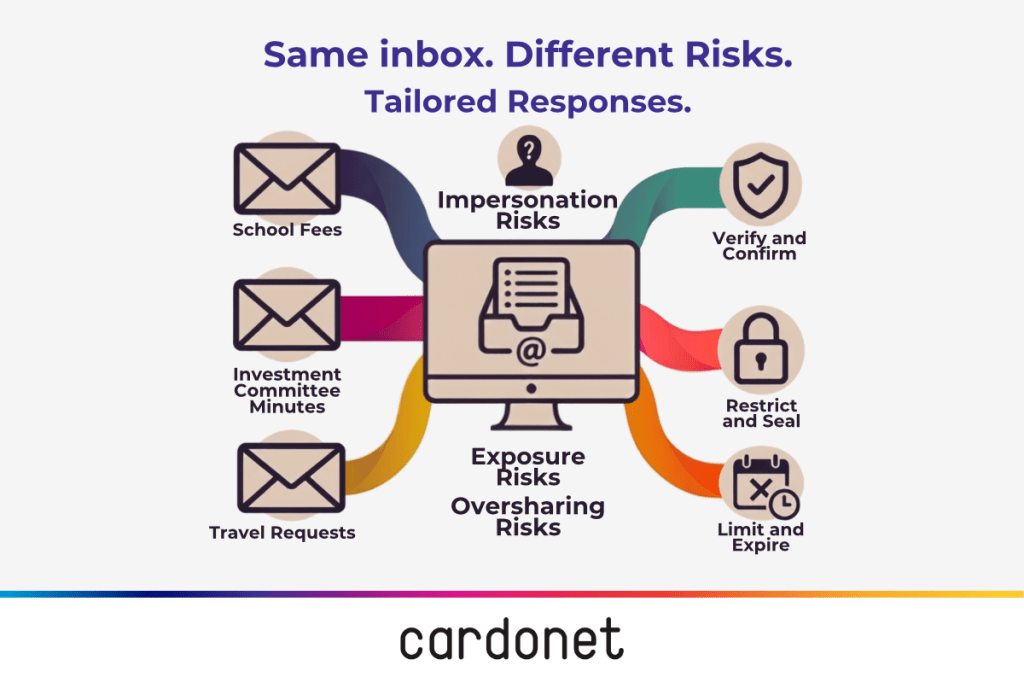
You don’t need a security department to fix this. You need four disciplines, applied consistently by a tiny team.
- Data classification. Not everything is a secret. Decide, in plain language, what counts as crown jewel information. Usually net worth detail, family addresses, health and school information, succession plans, and passport or identity data. Everything else, general correspondence, low-sensitivity admin, gets lighter handling. Trying to lock down everything equally is how offices end up ignoring the rules entirely.
- Retention rules. If a document doesn’t need to exist anymore it should be deleted. Things like travel bookings, old advisor correspondence, and superseded financial summaries should be deleted but they are often kept indefinitely because deletion feels risky. In practice, old unused data is pure liability with zero benefit. Set a retention period for each data category and enforce it.
- Access controls. The test is simple: does this person need this specific piece of information to do their specific job, right now? Not “they’re trusted” because trust and access are (or should be) different things. A bookkeeper doesn’t need visibility into philanthropic strategy. A travel coordinator doesn’t need investment statements. Role-based access, reviewed regularly, closes the gap that the oversharing example above fell straight through.
- Vendor due diligence. Every advisor, portal, and smart home installer you use is now handling family data on your behalf, whether you think of them that way or not. The Information Commissioner’s Office is explicit that access rights should be assessed by role, reviewed when someone changes position, and removed promptly on departure. This same discipline applies whether the person is internal staff or an external advisor with system access. Before onboarding any vendor that touches sensitive information — an advisor, a travel portal, or the installer who set up the smart home system that now logs every entry and exit at the family’s properties — ask what they collect, how long they keep it, and what happens to it if their business changes hands or gets breached.
The personal/professional blur
Private offices don’t get the luxury of clean boundaries between work and family life, and pretending otherwise creates more risk, not less.
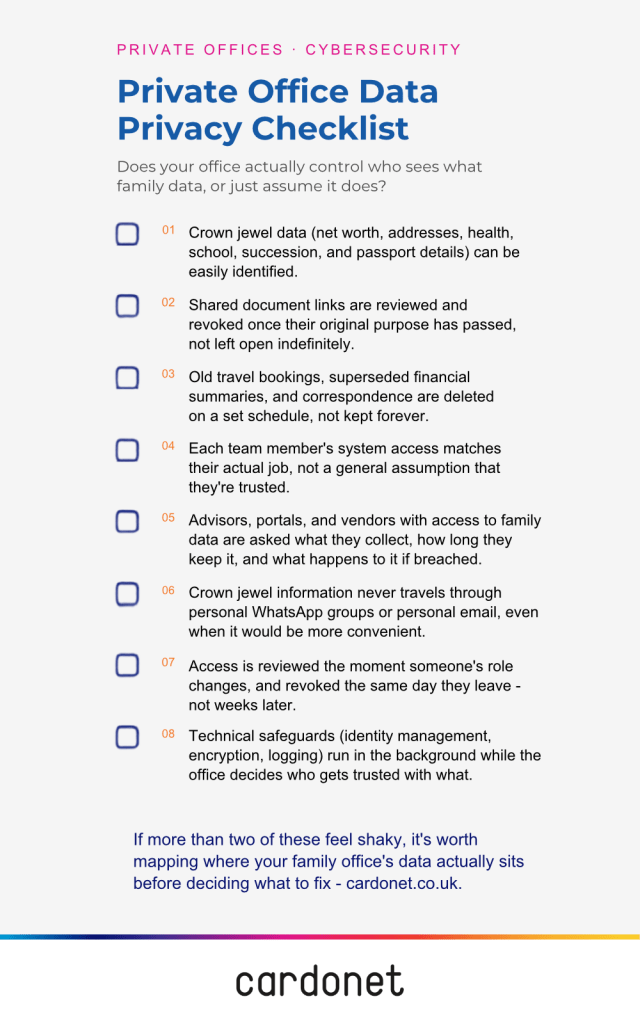
Principals use personal devices for business email because it’s convenient. Family WhatsApp groups mix travel logistics with genuinely sensitive medical and financial details. Assistants are shared across personal and professional tasks, meaning one inbox routinely holds both a school fee query and a confidential investment memo. None of this is wrong. It’s simply reality, and a privacy architecture that ignores reality doesn’t get followed.
Banning personal devices or splitting every communication channel in two would turn the office into a fortress nobody wants to live in, and most families would immediately route around the restriction. A more durable approach separates what’s actually sensitive from what isn’t, putting crown jewel information behind proper access controls regardless of which device or app it passes through. A WhatsApp group can stay for logistics. A document containing a full asset schedule should never be sent through it.
Insider and succession risk
The biggest privacy threat to most private offices isn’t external. It’s a departing staff member, or a family relationship that’s changed, walking out the door with access they should have lost weeks earlier.
Family dynamics shift through divorce, sibling disputes, and principals stepping back from active involvement. Staff also move on, sometimes acrimoniously. Every one of these is a moment where access needs to change immediately, not eventually. Global Guardian’s risk analysis for family offices puts it plainly: strict access controls that limit who can view sensitive systems are the single most effective defence against insider risk.
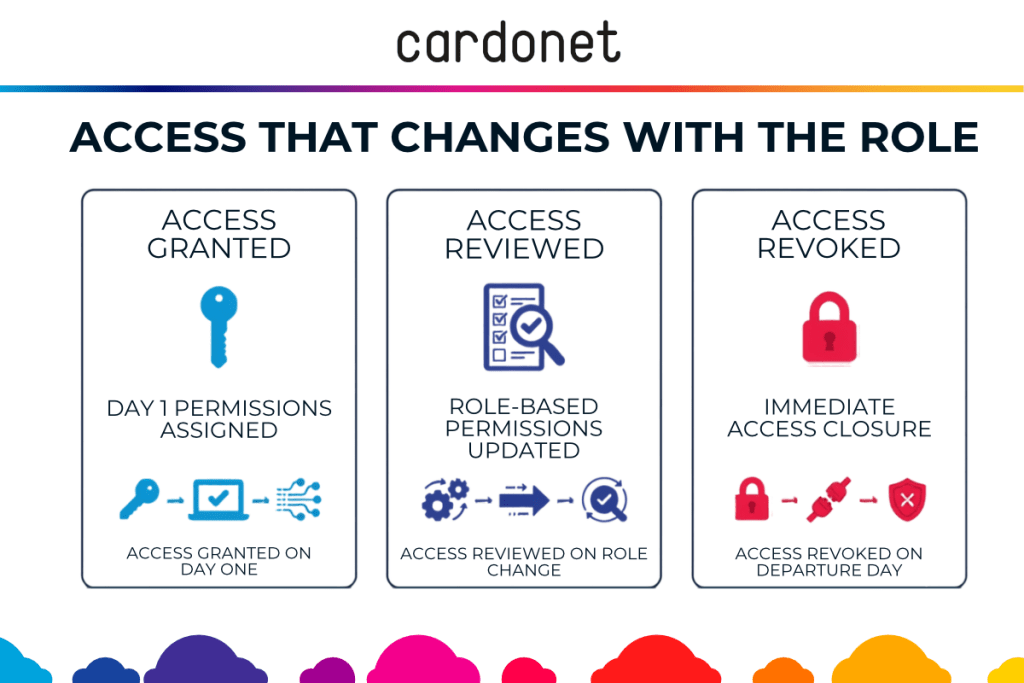
You don’t need an HR department to run this properly. You need a simple joiner/mover/leaver checklist that gets actioned the day someone starts, changes roles, or leaves. New starters get access to exactly what their role requires while role changes trigger access reviews, not an assumption that their old permissions are still fine.
Departures should trigger same-day revocations across every system, not a follow-up task that sits in an inbox for a fortnight. This is not corporate bureaucracy but the difference between a controlled handover and chaos.
Where an IT partner fits without taking over
None of this requires the family or the office to become tech savvy. It requires someone quietly running the technical layer while the office keeps its hands on the decisions that matter.
That’s the model we run at Cardonet for private offices.
- We handle identity and access management so permissions are enforced automatically, not manually chased.
- We set up secure collaboration tools and managed backup and continuity services so sensitive documents move through controlled channels instead of open-ended shared links.
- We apply IT security services including encryption of data at rest and in transit, and we log who accessed what, so if something does go wrong, there’s a clear record rather than a guess.
- We run vendor security checks before a new advisor portal or smart home system gets connected to anything that touches family data.
What we don’t do is decide who in the family or office should see what. That call stays with the principal and the private office. We build and run the technical scaffolding. You keep control of the decisions that actually matter — who’s trusted, with what, and for how long.
Proportionate, not paranoid
A serious privacy model doesn’t mean locking every document behind three approvals or treating every advisor like a suspect. It means knowing what’s actually valuable, controlling who can see it, cleaning up what you no longer need, and making sure people lose access the moment they should.
Get those four things right and you’ve built something far stronger than a fortress — you’ve built an office that can actually function, quietly and confidentially, without anyone having to think twice about it.
The scenarios above did not involve a breach in the traditional sense — just a permission or a data trail nobody checked, which is exactly why waiting for a clear warning sign before addressing this tends to come too late.
Cardonet has applied this same classification-and-access discipline across two decades of work with organisations handling sensitive personal and financial data.
If it would help, a short review of where your current data actually sits and who can see it is a low-effort way to find out whether either of the two failures above already applies to your office.
This is Part 2 of a four-part series on how MSPs like Cardonet support the private offices of high-net-worth families. Part 1 looked at why private offices have become prime cyber and privacy targets, and why institutional-grade protection matters even for a tiny team. This instalment turns to privacy and confidentiality in practice: where family data actually sits, and how to control it without turning daily life into a compliance exercise. Part 3 will look at uptime and resilience, covering the recovery objectives, tested backups, and genuine 24/7 support a private office needs to keep functioning through disruption. Part 4 closes the series by looking at governance and succession: how the technical, privacy, and continuity foundations built in Parts 1 to 3 need to change hands deliberately as family leadership shifts.
FAQs
1. What actually counts as “crown jewel” data for a private office?
In most family offices, this means net worth detail, family addresses, health and school information, succession plans, and passport or identity data. Everything else — routine correspondence, low-sensitivity admin — can be handled with lighter controls, which is exactly the point of classification.
2. Do we need to stop using WhatsApp for family communication?
No — the goal isn’t banning the tools people already rely on, it’s keeping crown jewel information out of them. A family WhatsApp group can stay for logistics and travel updates; a document with a full asset schedule should never pass through it regardless of how convenient that feels in the moment.
3. How quickly should access be removed when someone leaves the office?
Same day, across every system, not as a follow-up task that sits in an inbox for a fortnight. A joiner/mover/leaver checklist only works if it’s actually actioned the moment someone’s role changes or they walk out the door.
4. How do we vet advisors and vendors who already have access to family data?
Ask directly what they collect, how long they retain it, and what happens to that data if their business is sold or breached. Most private offices have never asked these questions of advisors they’ve worked with for years, which is precisely how the oversharing scenario in this article happens.
5. Does bringing in an MSP mean losing control over who sees what?
No — the technical layer and the access decisions are two separate things. An MSP like Cardonet runs identity management, encryption, and logging in the background, while the principal and private office retain every decision about who is trusted with what information.

You must be logged in to post a comment.